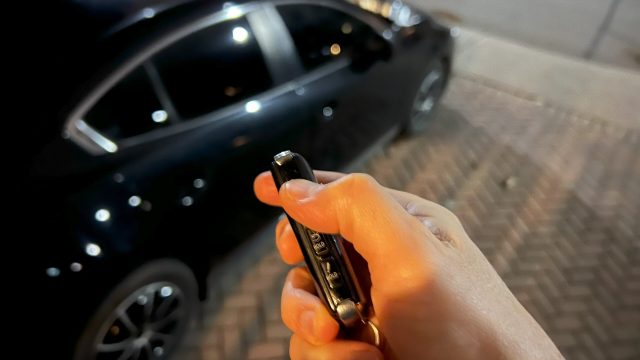
Since more than 10 years ago car key fobs have become common place. We’ve come to rely on them. That convenience however, is contingent on the low voltage power supply it requires, that inevitably runs out.
So that you can continue with your fobs faithful service I’ll step through battery replacement of my own Mazda 3 2019 key fob.
What you’ll need are:
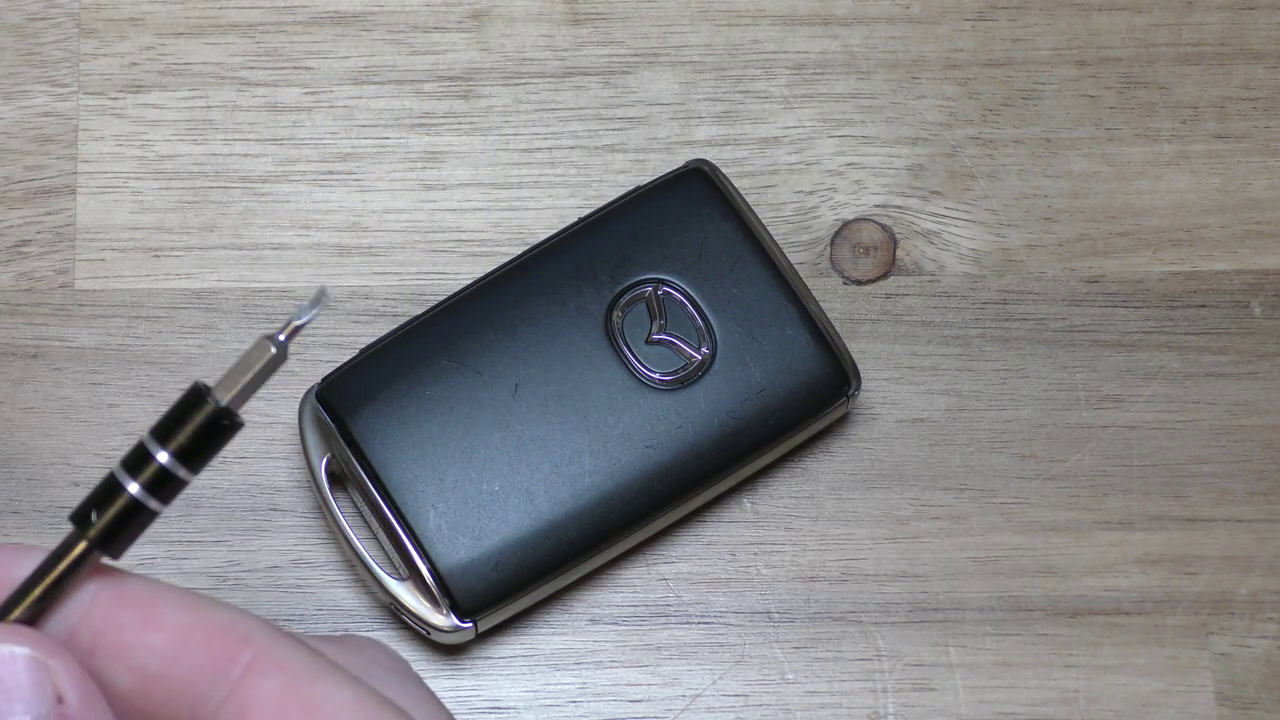
- Small flathead screwdriver – something you might use in watch or eye glass repair
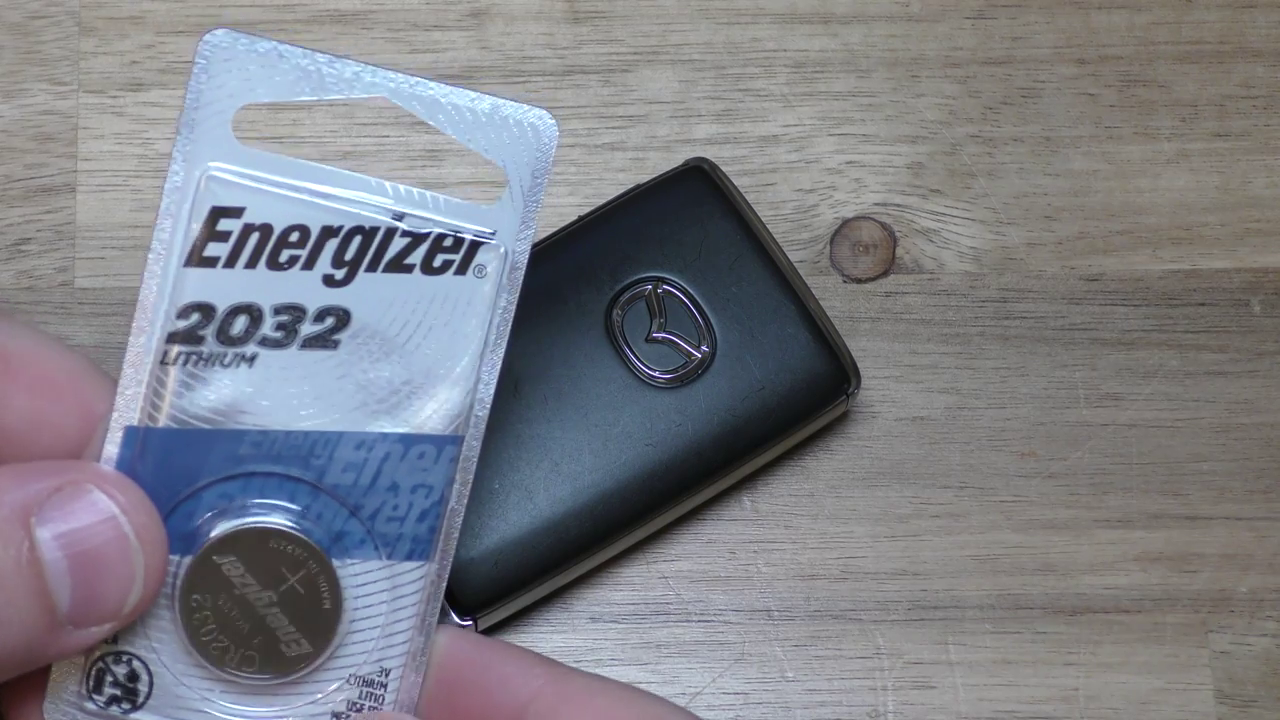
- CR2032 Lithium battery
Directions:
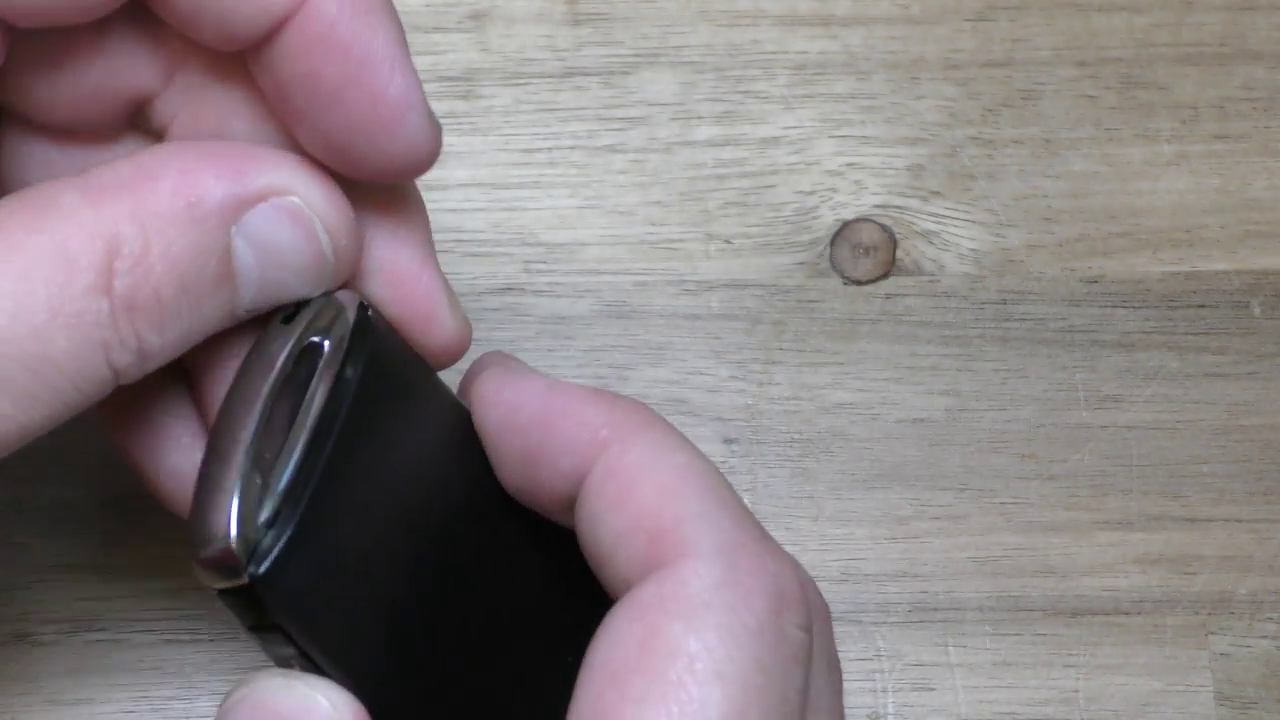
- At the end of the fob that would attach to a key ring you’ll see on the chrome a small black rectangular lever. You’ll need to push the position of the lever toward the side it is closest to as in the accompanying pictures. This will cause the back panel (that doesn’t have the Mazda logo) to slide off.
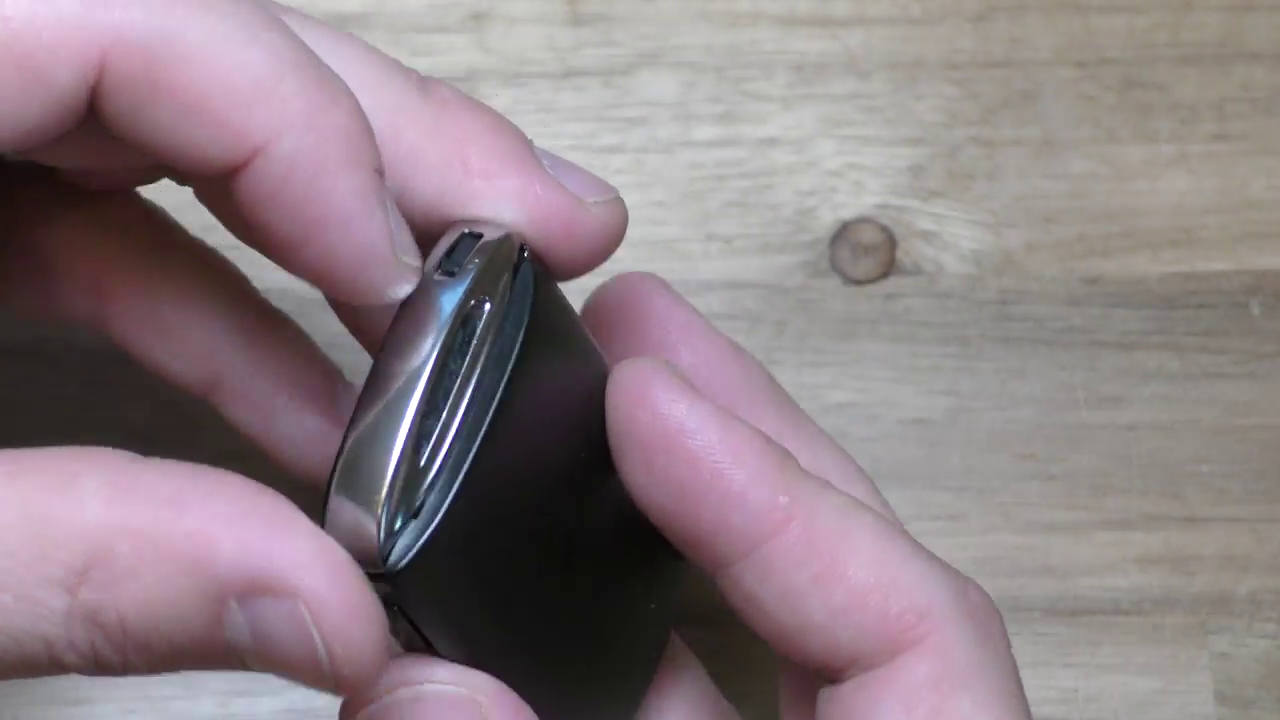
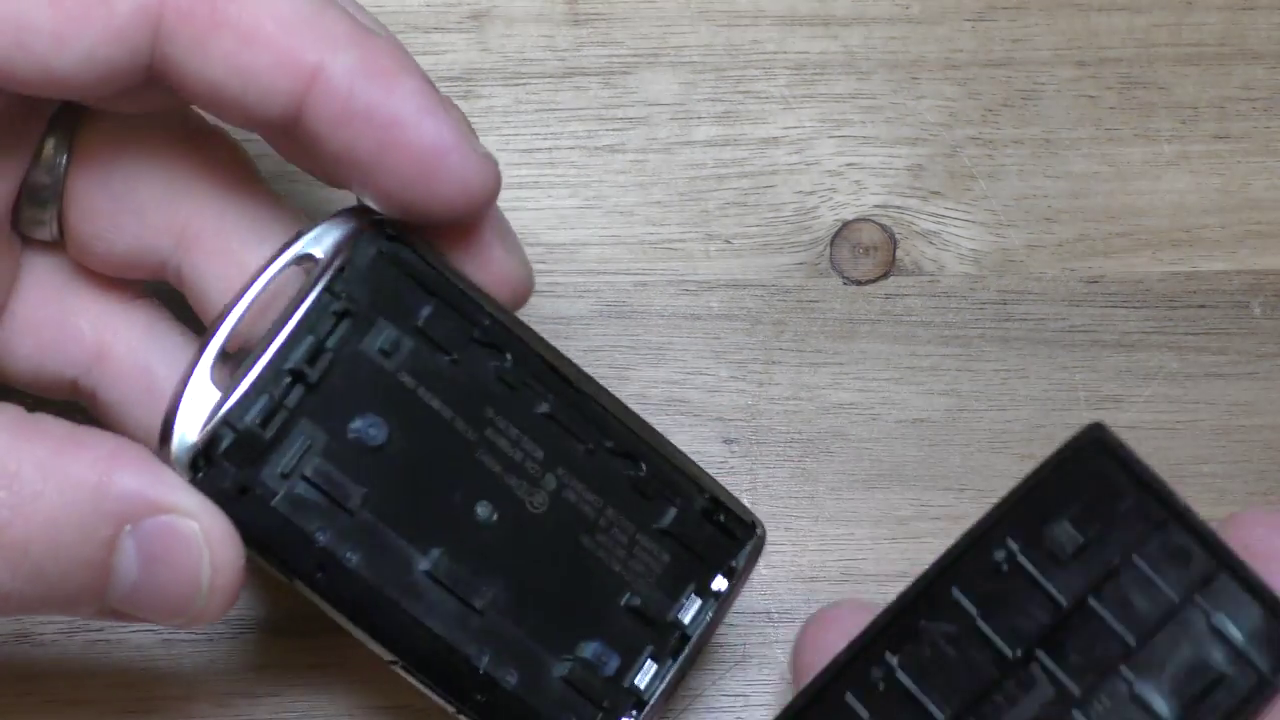
- Position your key fob with the exposed side facing you (panel removed) and the non key ring end up. Now you’ll take your small flathead screwdriver and fit the bit just under the chrome strip as you carefully pry it off using it like a lever.
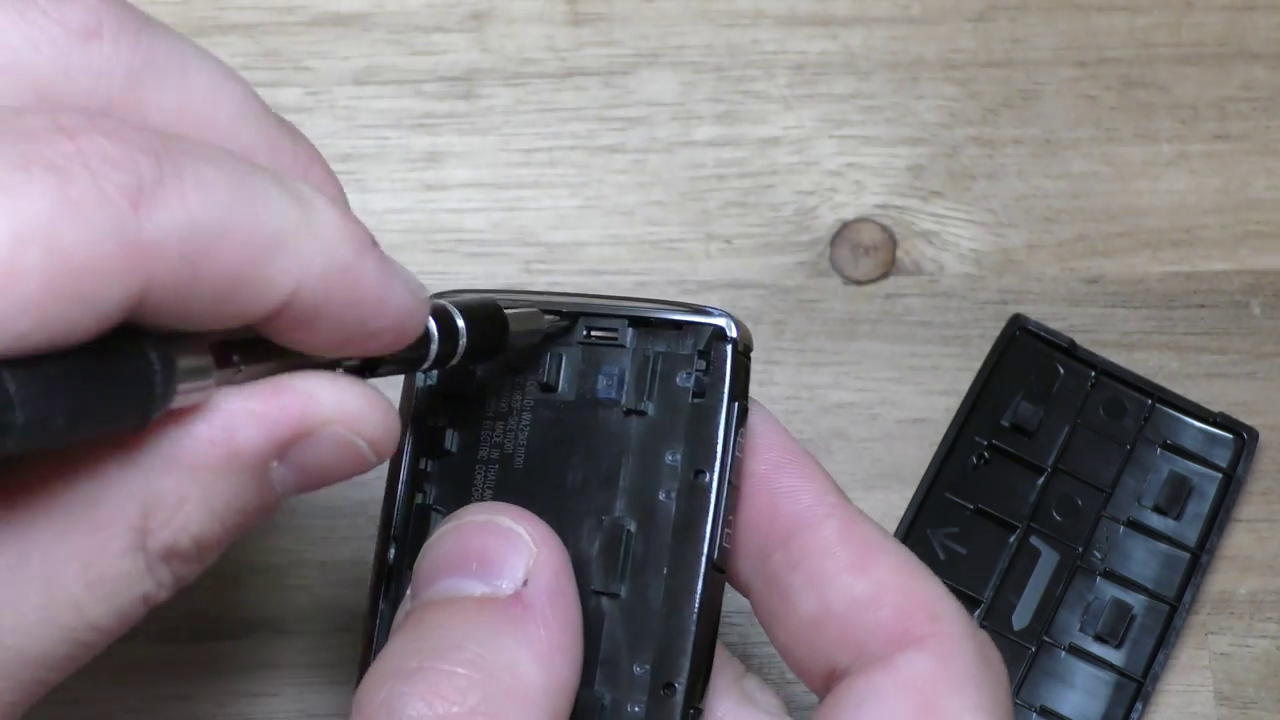
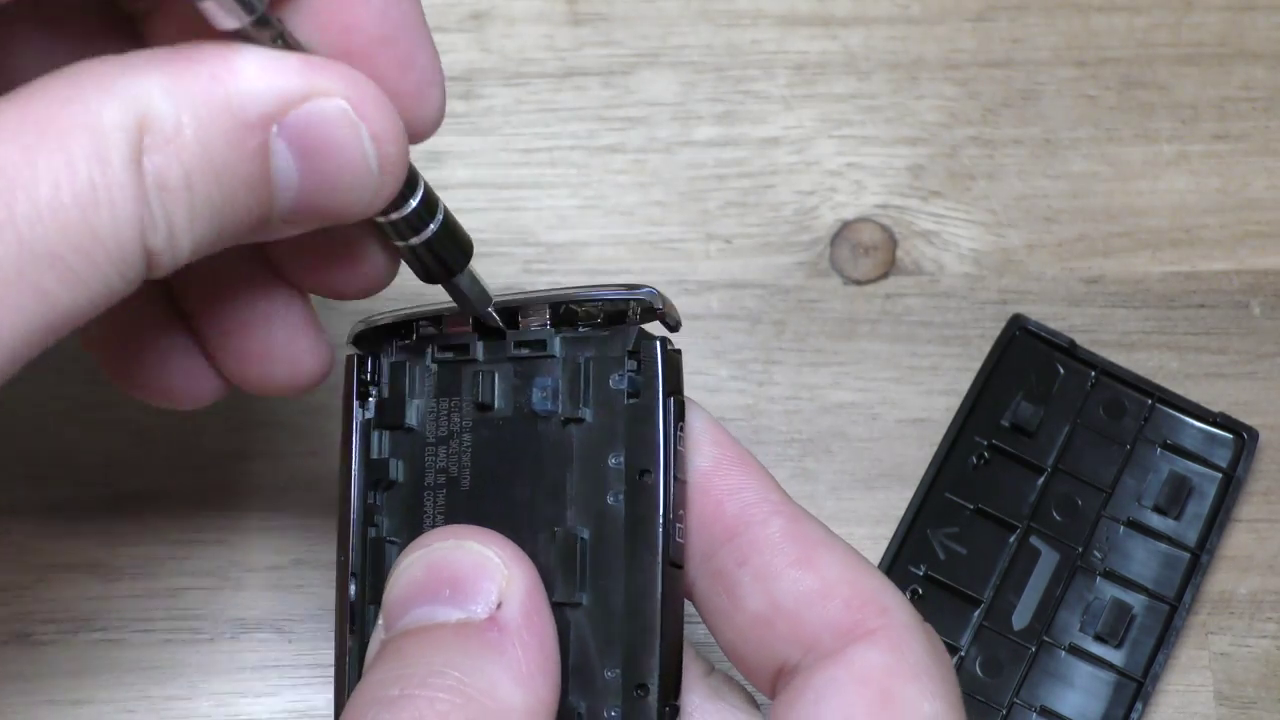
- With the fob exposed end that has the chrome strip removed facing you and the Mazda logo panel side up do the same again fitting the flathead screwdriver bit under the Mazda logo panel as you carefully pry that panel off using it like a lever. Likely you’ll need to work the bit in under the panel as you continually and gently do this levering until it comes off.
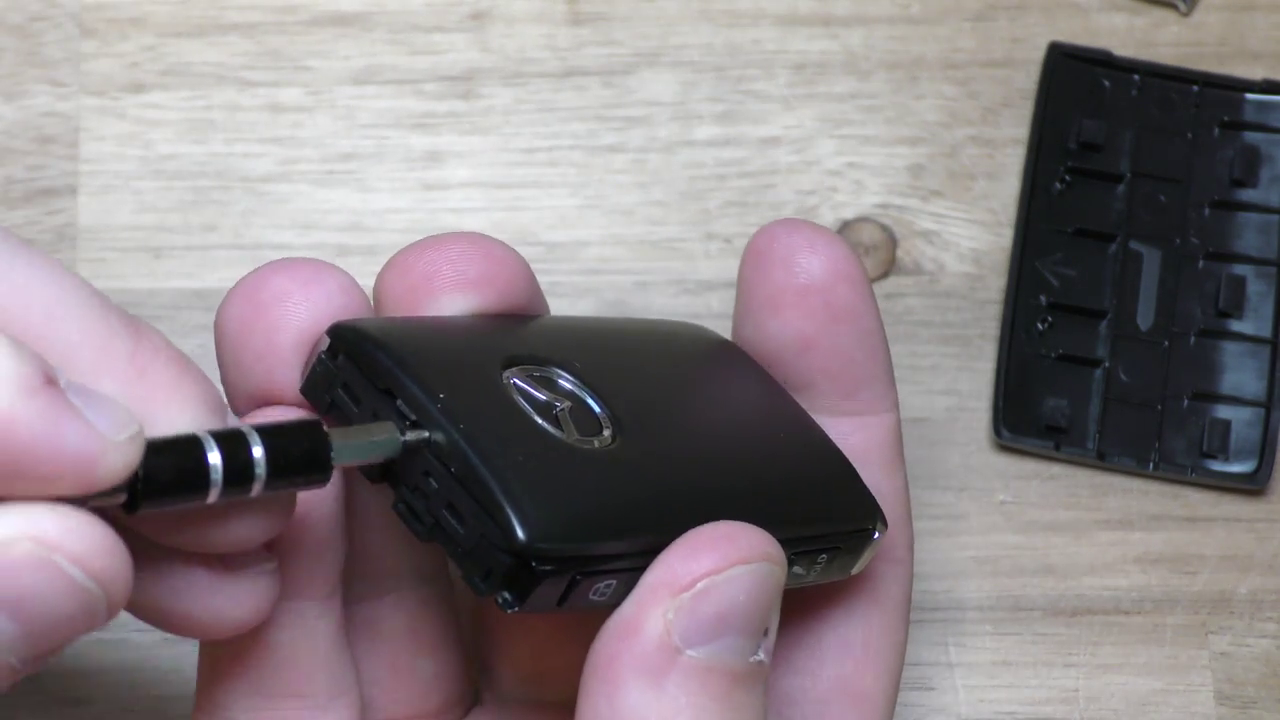
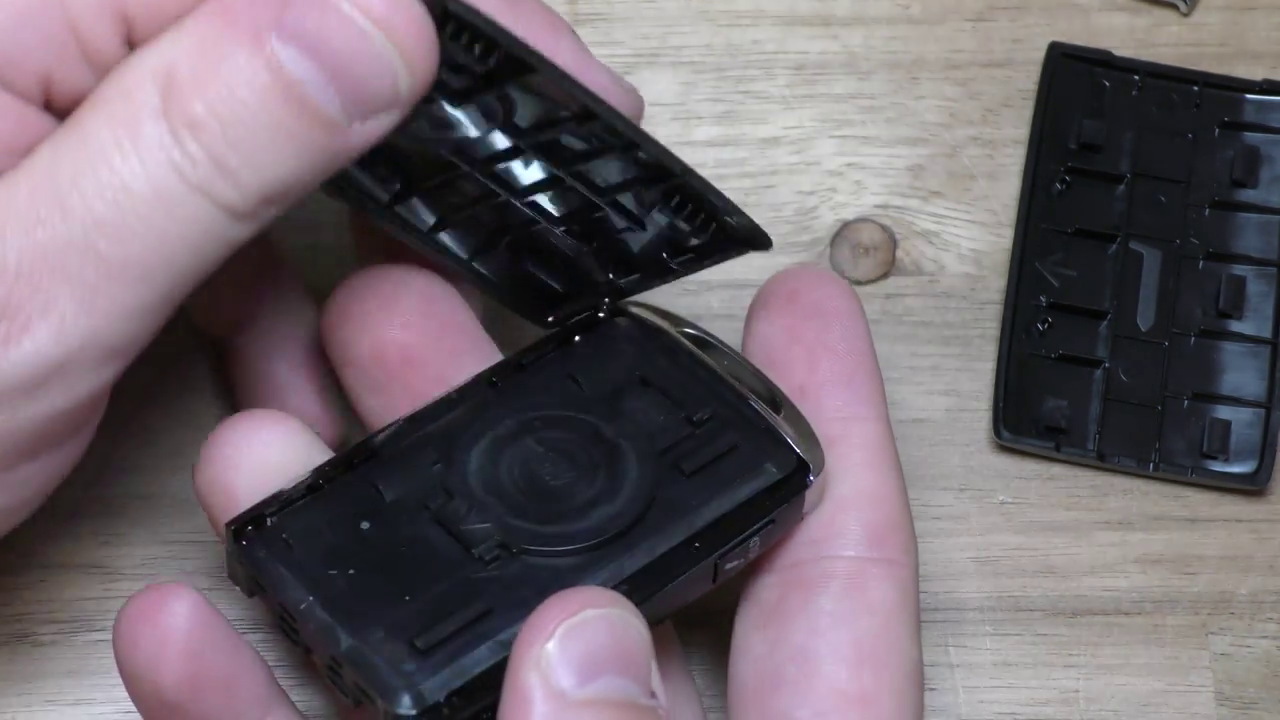
- Now on the side you just removed you’ll see a circular panel labelled CR2032 with a chevron at the bottom of it. With your flathead screwdriver fit the bit under the chevron end of the panel and use it like a lever to pry it off.
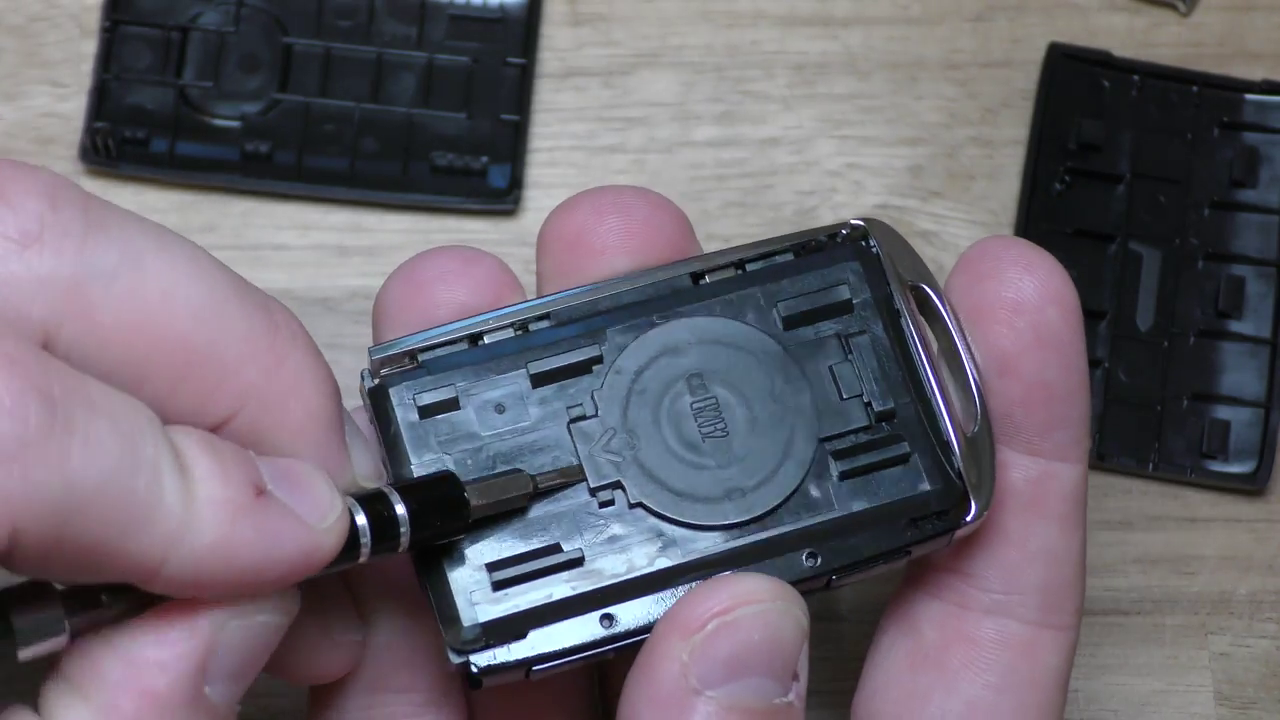
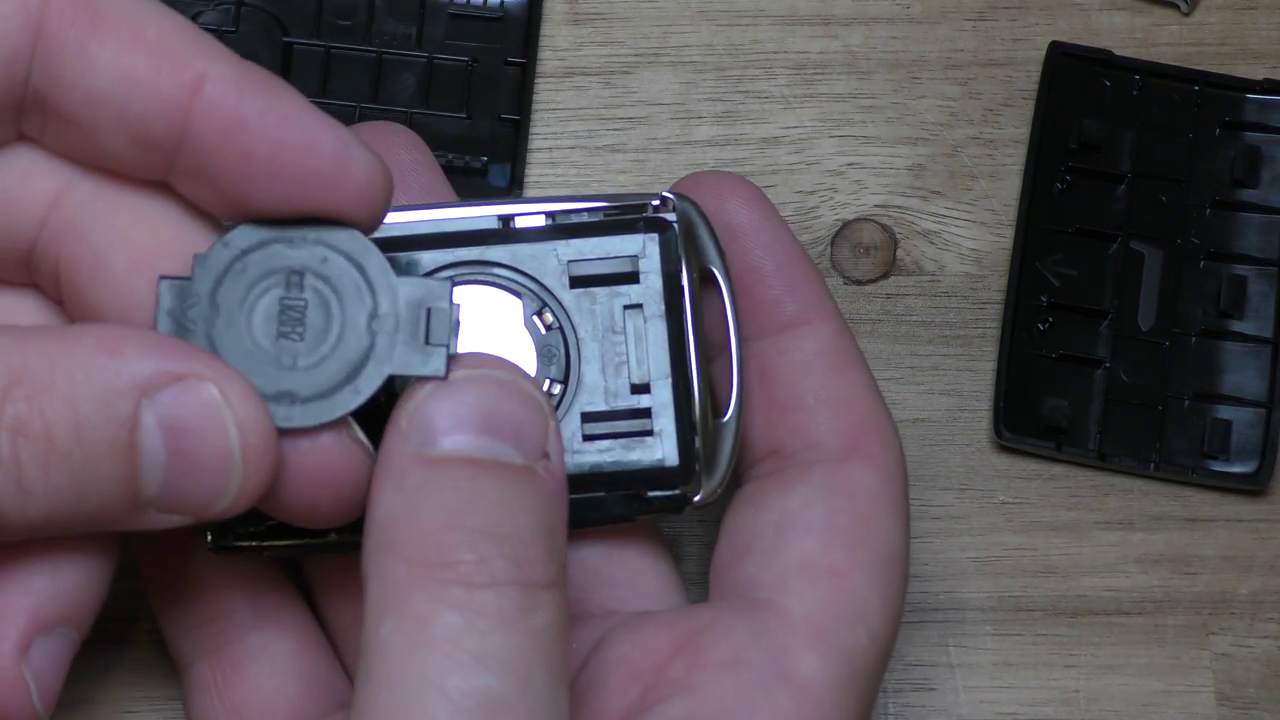
- Now the old CR2032 lithium battery is exposed and you can go ahead and replace it with the new one.
- Follow steps in reverse to reassemble
- Test fob functionality.
Go back over the steps if you’ve had any issues.
Also, please comment and let me know what else you’re interested in that I might blog my way towards.
Barring that happy key fobbing my young padawan.